
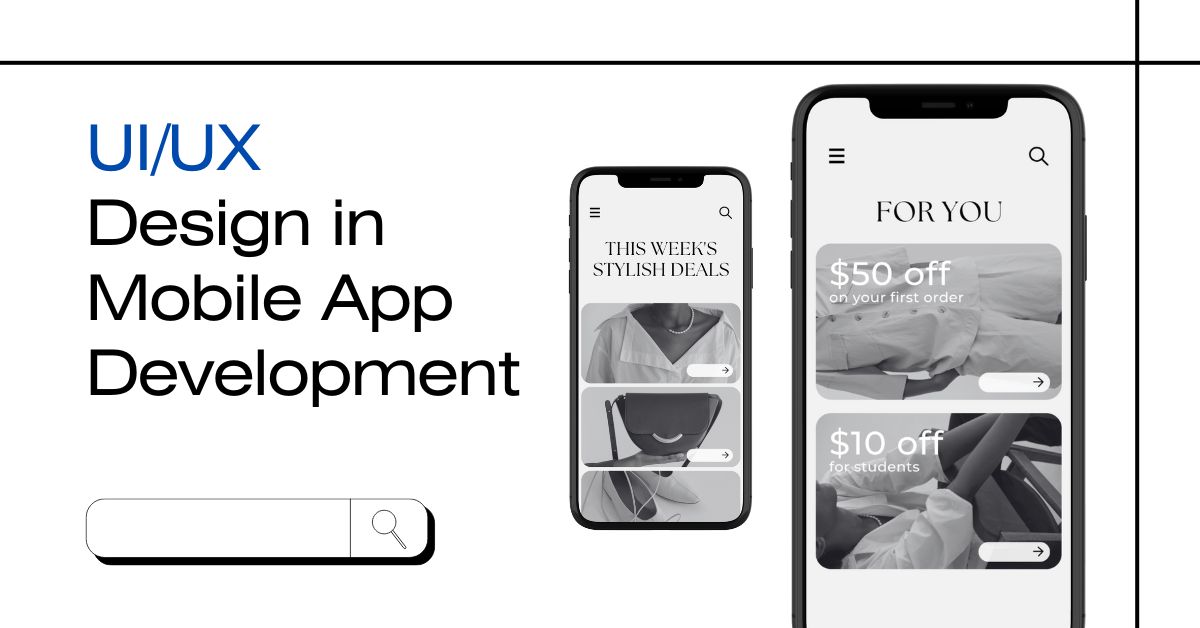
UI/UX Design in Mobile App Development
Have you ever opened a mobile app and felt like everything just “makes sense”? The buttons are in the right place, it loads fast, and you easily find what you’re looking for. That’s not a coincidence — it’s good UI/UX design.
What is UI Design?
UI stands for User Interface. This means the parts of an app that you see and touch. When you tap a button, scroll through a list, or look at icons and images — you’re using the UI.
A good UI is neat, simple, and easy to use. It helps users move from one screen to another without confusion. It also uses the right colors, fonts, and spacing to make the app look beautiful.
If an app looks modern and is easy to use, the UI designer has done a great job. UI is like the face of the app — it must be attractive and friendly.
What is UX Design?
UX stands for User Experience. It’s not just about what the app looks like — it’s about how the app feels when you use it. UX focuses on making the journey smooth, fast, and enjoyable.
For example, imagine ordering food in an app. If it takes 10 confusing steps, you might give up. But if it takes 3 simple steps, you’ll likely finish your order and return later. That’s the power of good UX.
UX designers plan the entire flow of the app. They think about what users want and how they behave. A good UX makes people happy when they use the app.
How UI and UX Work Together
UI and UX go hand-in-hand. You can’t have one without the other.
- UI makes the app look good
- UX makes the app work well
Let’s say you build a beautiful app (great UI), but it takes too long to load or is hard to use (poor UX). People will still leave. On the other hand, if the app is useful but looks outdated, users may still uninstall it.
A successful mobile app needs both great UI and great UX.
Key Differences Between UI and UX
Here’s a simple table to help you understand the difference:
| Feature | UI (User Interface) | UX (User Experience) |
|---|---|---|
| Focus | Looks and visuals | Feel and user journey |
| Concerned With | Colors, fonts, buttons | Flow, navigation, performance |
| Tools Used | Design software | User research, testing |
| End Goal | Make it beautiful | Make it easy to use |
| Role | Designer | Designer + Researcher |
Why UI/UX is Important in Mobile App Development
Today, there are millions of mobile apps. But not all are popular. Many apps are uninstalled within a few minutes of use. Why? Because of poor UI or UX.
Here’s why good design matters:
- Keeps users happy: If users enjoy the app, they’ll keep using it.
- Increases downloads: People check screenshots before installing apps. A good UI attracts them.
- Boosts business goals: Better UX leads to more sales, sign-ups, or leads.
- Reduces support tickets: Clear design means fewer user problems.
- Gets better reviews: A smooth app experience leads to higher app store ratings.
If your mobile app is easy, clean, and fast — users will love it. But if it’s messy or confusing, they’ll uninstall it quickly.
Elements of UI Design in Apps
Let’s break down what UI includes in a mobile app:
- Navigation bar
- Buttons and icons
- Color themes
- Fonts and text sizes
- Images and spacing
- Interactive elements (like sliders or toggles)
Each element needs to be placed carefully. If the user has to search for a button or squint to read text, that’s a design failure. A great UI uses visual design to guide the user naturally.
Elements of UX Design in Apps
UX design is less about looks and more about planning. Here’s what UX covers:
- User research (what do users want?)
- User journey map (what steps do users take?)
- Flow of screens (what comes after what?)
- Usability tests (do users get confused?)
- Fixing pain points (what makes users unhappy?)
UX designers are like the planners of the app. They make sure everything works in a smart and easy way.
Step-by-Step: How UI/UX is Designed
- Research
Designers first learn about the target users — their age, habits, goals, and pain points. - Wireframing
They create simple layouts (called wireframes) showing where buttons and content will go. - Prototyping
They build a basic working version of the app — just to test the flow. - Visual Design
Then comes the fun part — adding colors, images, animations, and styles. - Testing
Real users try the app and give feedback. Designers make changes to improve it. - Launch
The app is published, and designers still work to improve based on user behavior.
Popular Tools Used by Designers
UI/UX designers use tools to build and test their ideas. Some common tools are:
- Figma – For design and teamwork
- Adobe XD – For layouts and clickable mockups
- Sketch – Great for visual designs
- InVision – For prototyping and feedback
- Balsamiq – For quick wireframes
These tools help designers share their ideas with developers and test with users.
Business Impact of Great UI/UX
Good design brings many benefits to a business:
- More customers
- Higher loyalty
- Better reviews
- More sales or conversions
- Stronger brand image
If users enjoy your app, your business grows. A good app becomes part of their daily life — like shopping, learning, or messaging.
Final Thoughts
UI/UX design is the heart of any mobile app. It decides whether users enjoy the app or get frustrated. Even if your app idea is great, poor design can make it fail.
Investing time and effort into UI/UX can help your app stand out, succeed, and grow. It’s not a cost — it’s a smart investment.
Also Read:
- What is Custom Mobile App Development?
- What Are Mobile App Version Development Requirements?
- What is Mobile App Development?
Frequently Asked Questions
How does UI/UX help grow app business?
Good UI/UX makes users enjoy using your app. When users are happy, they stay longer, leave better reviews, and tell others. This increases downloads, boosts ratings, and grows your business. Clear, simple, and helpful design can turn a small app into a successful brand in the app market.
What tools are used for UI/UX designing?
Designers use tools like Figma, Adobe XD, Sketch, InVision, and Balsamiq. These tools help create app screens, clickable designs, and user flow maps. They also make it easier to test and improve the app design before it is built by developers. These tools save time and improve quality.
What makes a good mobile app UI design?
A good UI design is clean, simple, and easy to use. It uses the right colors, fonts, and buttons. It helps users find what they need quickly without confusion. Everything should be in the right place and look good on all screen sizes, including small mobile screens.
What are wireframes in UX design?
Wireframes are simple, rough layouts of an app’s screen. They don’t have colors or images, just boxes and lines to show where things will go. Wireframes help designers plan how the app works before adding design. It’s like a sketch of the app before the final design.
Can UI/UX design reduce app uninstall rate?
Yes, it can. If an app is easy to use and works smoothly, users are more likely to keep it. Bad UI or confusing design makes users quit the app quickly. Good UI/UX design creates a better experience, which helps reduce the chances of app uninstalls.
Do all mobile apps need UX research?
Yes, all mobile apps should include UX research. It helps designers understand what users need, what problems they face, and how to improve their experience. Without research, you might build an app that users don’t like or find hard to use. Research saves time and improves results.